iPhone and iPad
Tabs on iPhone, a sidebar on iPad. Scan documents with the camera, answer Siri, get quiet notifications.
Releasing to clientsDeadlines, requests, documents and messages for every company you hold, kept current by Chrysos and locked behind Face ID. Open it for a minute, see where things stand, answer what needs you, close it.
No dashboards to learn and no menus to search. If you hold more than one company, a filter keeps each one apart.
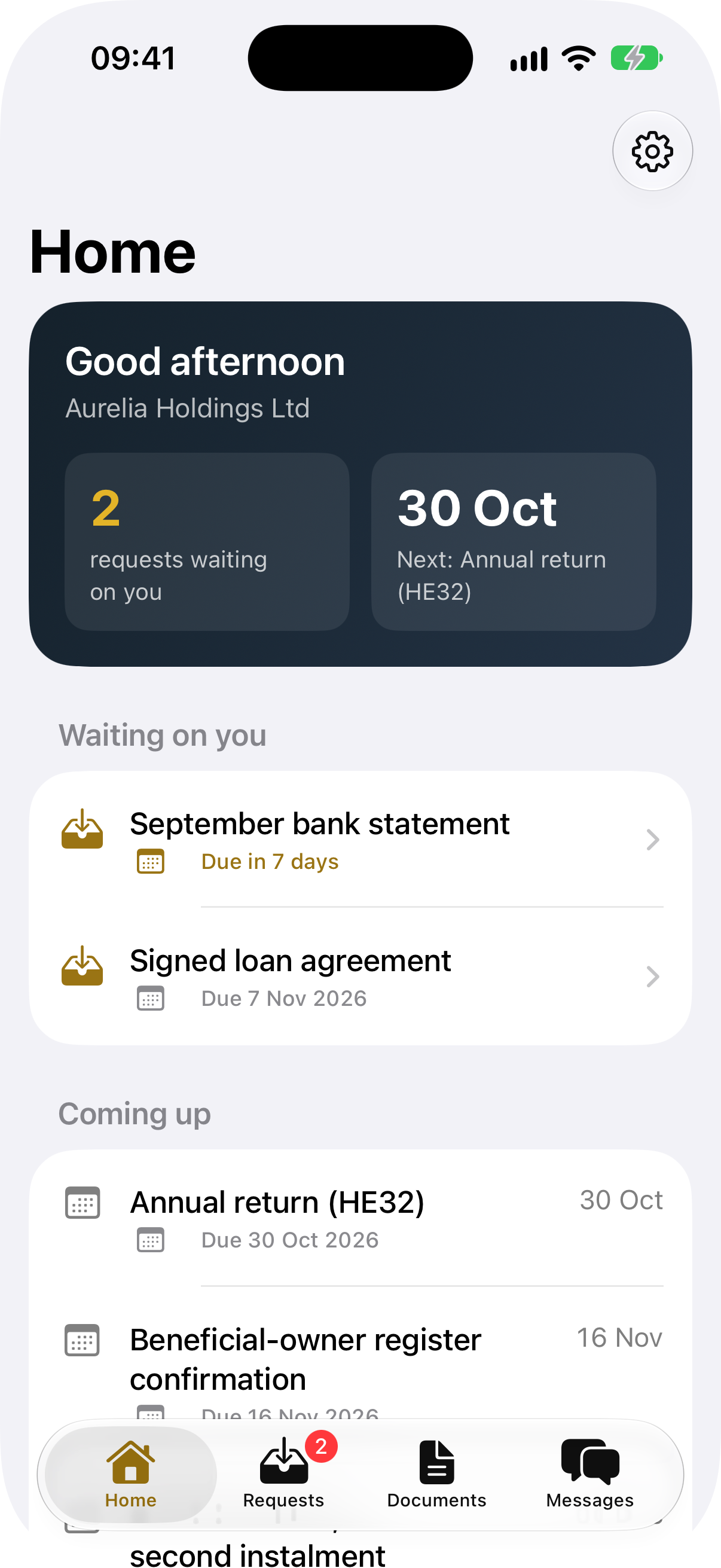
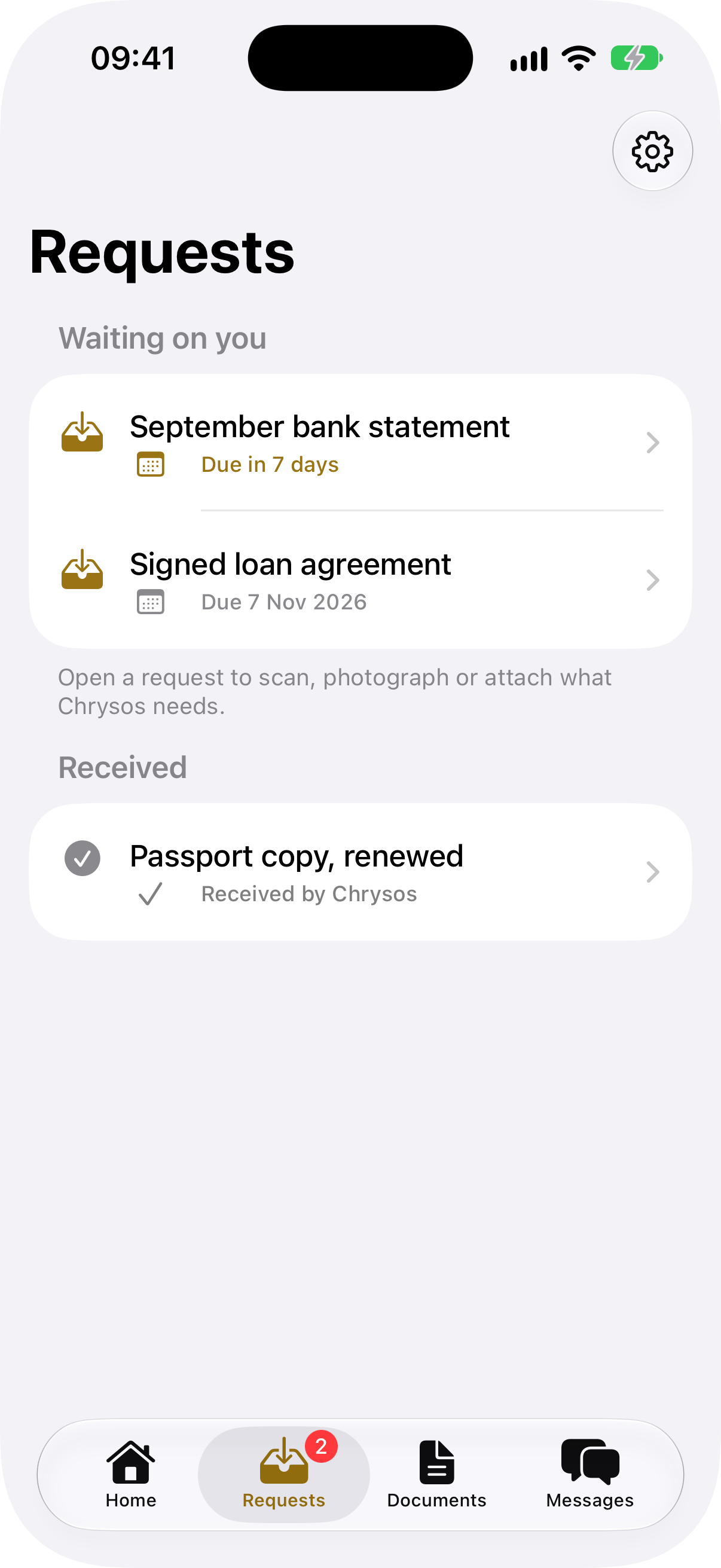
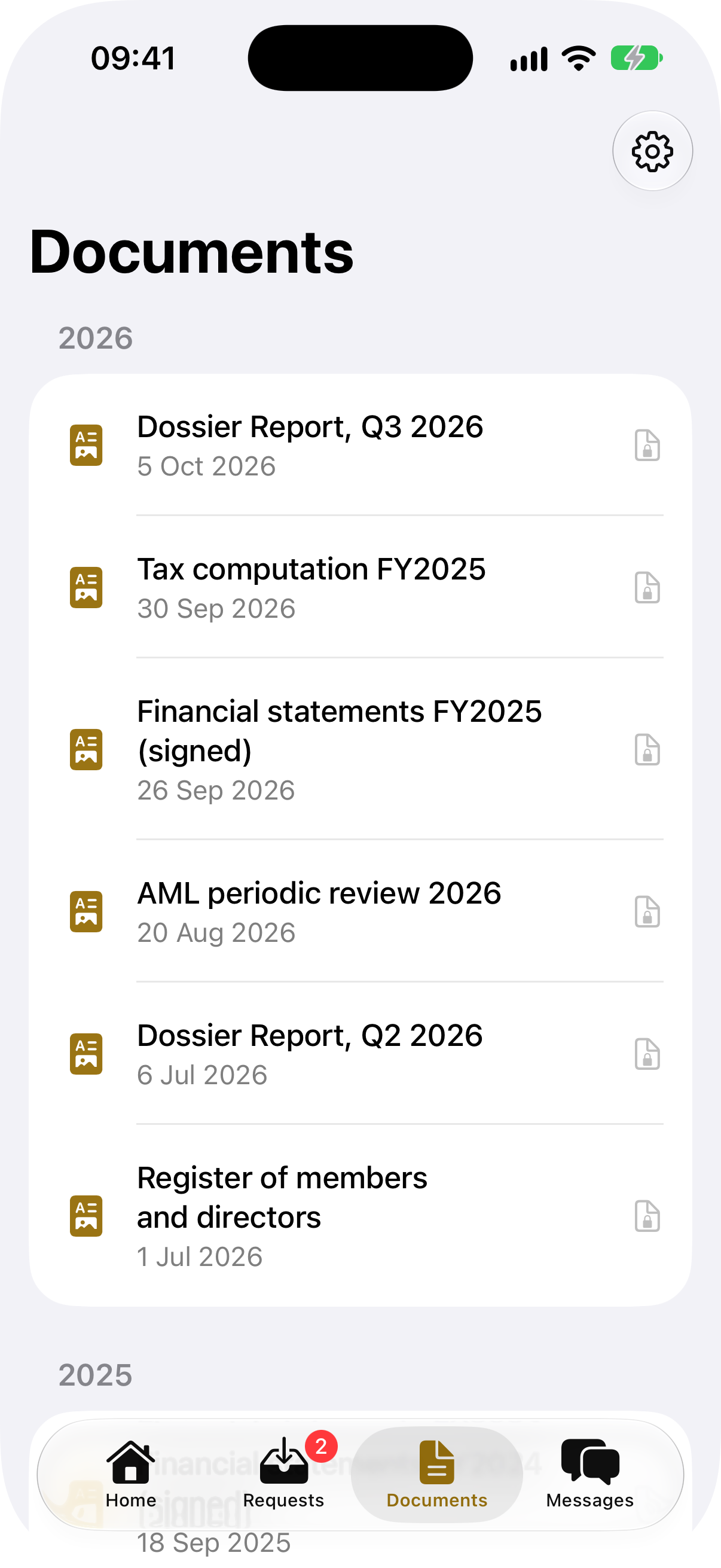
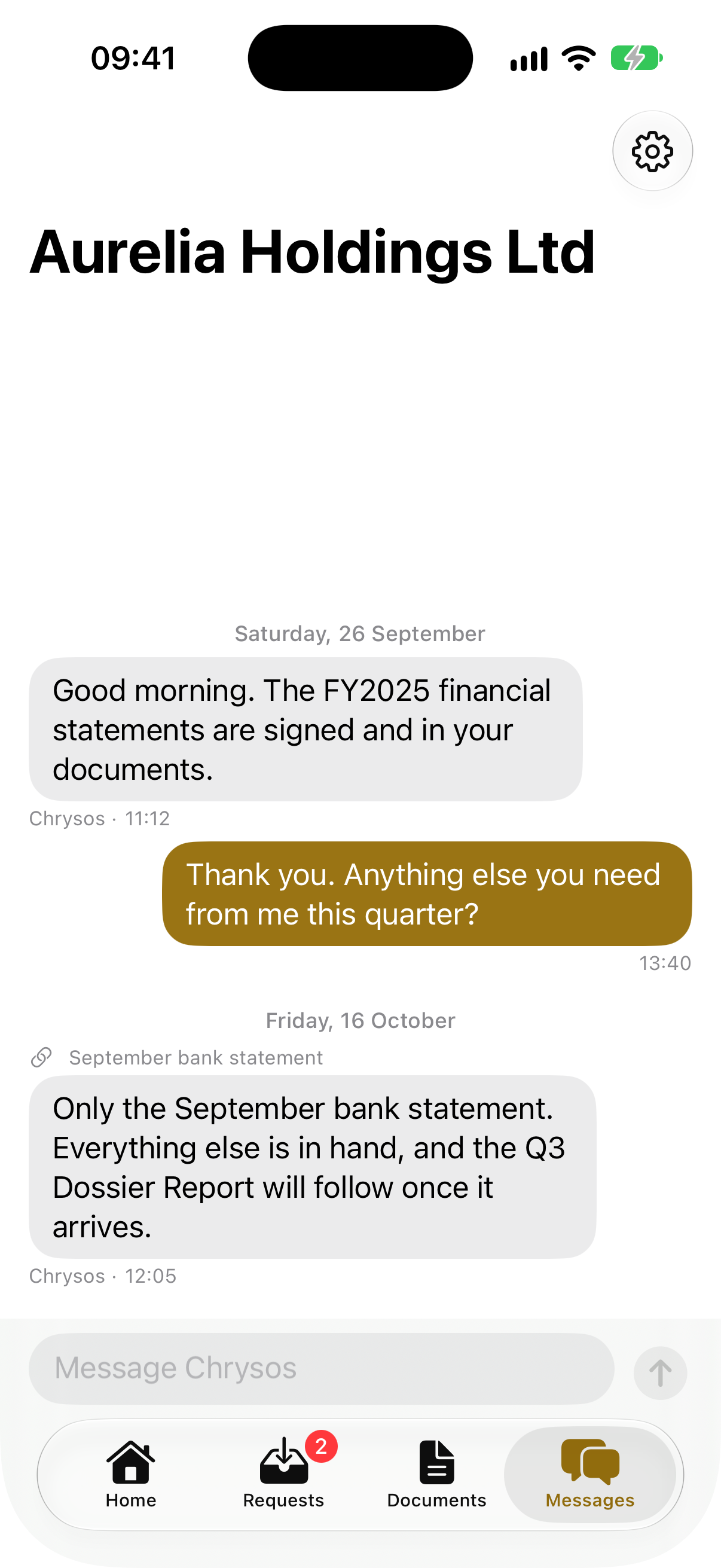
App screens show fictional sample companies.
Every request says what is needed, why, and by when. Scan the page with your camera on iPhone or iPad, choose a photo, or attach a file from anywhere on your Mac. Files are encrypted on the device before they leave it, and the request shows as received the moment we have it.
Chrysos is built on the protections inside every iPhone, iPad, Mac and Vision Pro (the Secure Enclave, Face ID, data protection and iCloud's end-to-end encryption) and adds its own layer on top. Here is what that means for your company's record.
Titles, messages, dates, amounts and file names live in CloudKit's end-to-end encrypted fields. Apple carries the records but cannot read them.
Every file is sealed with AES-GCM under a key of its own, and that key travels only inside an encrypted field. A file stays end-to-end encrypted whatever the iCloud settings.
Face ID, Touch ID or Optic ID open the app. Your biometric data stays in the device's Secure Enclave and never reaches the app or us. The app locks again after thirty seconds away.
What the app keeps on iPhone and iPad is written with Apple's complete file protection, so it cannot be read while the device is locked.
The storage behind each dossier carries opaque names, never a client or company name. Notifications say only that something needs you.
The app's privacy manifest declares that it tracks no one, and it uses what you send only to run the app.
The Mac app runs inside Apple's App Sandbox, reaching only the network and the files you choose to share.
Each action a professional takes is signed with a key held in the device's Secure Enclave. An action without that signature is refused.
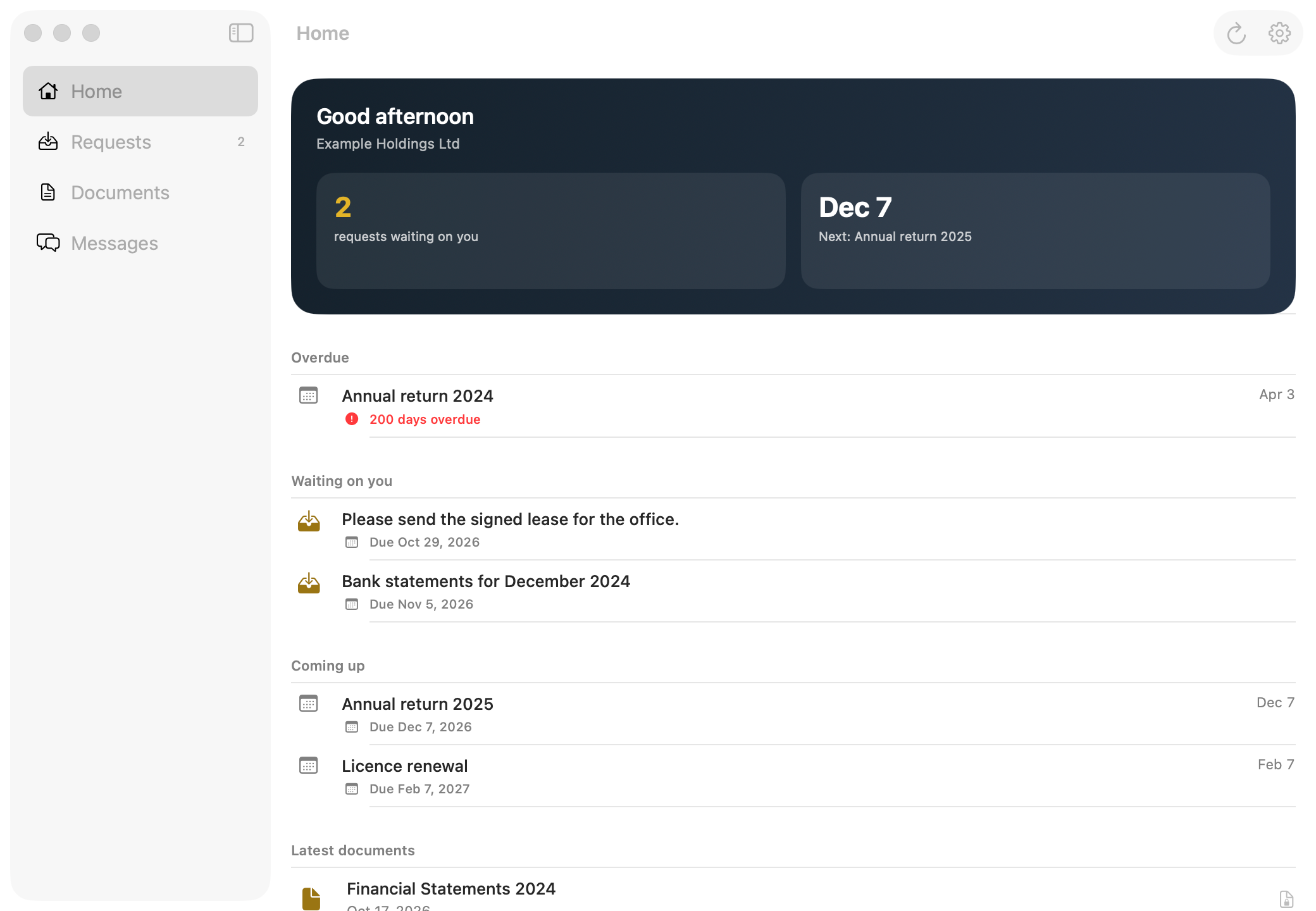
A sidebar on iPad and Mac for the full picture at your desk, and a native visionOS app on Apple Vision Pro. One app, every device, always in step.
Siri reads the next dates across your companies.
The requests waiting on you.
Dictate a message to the right company.
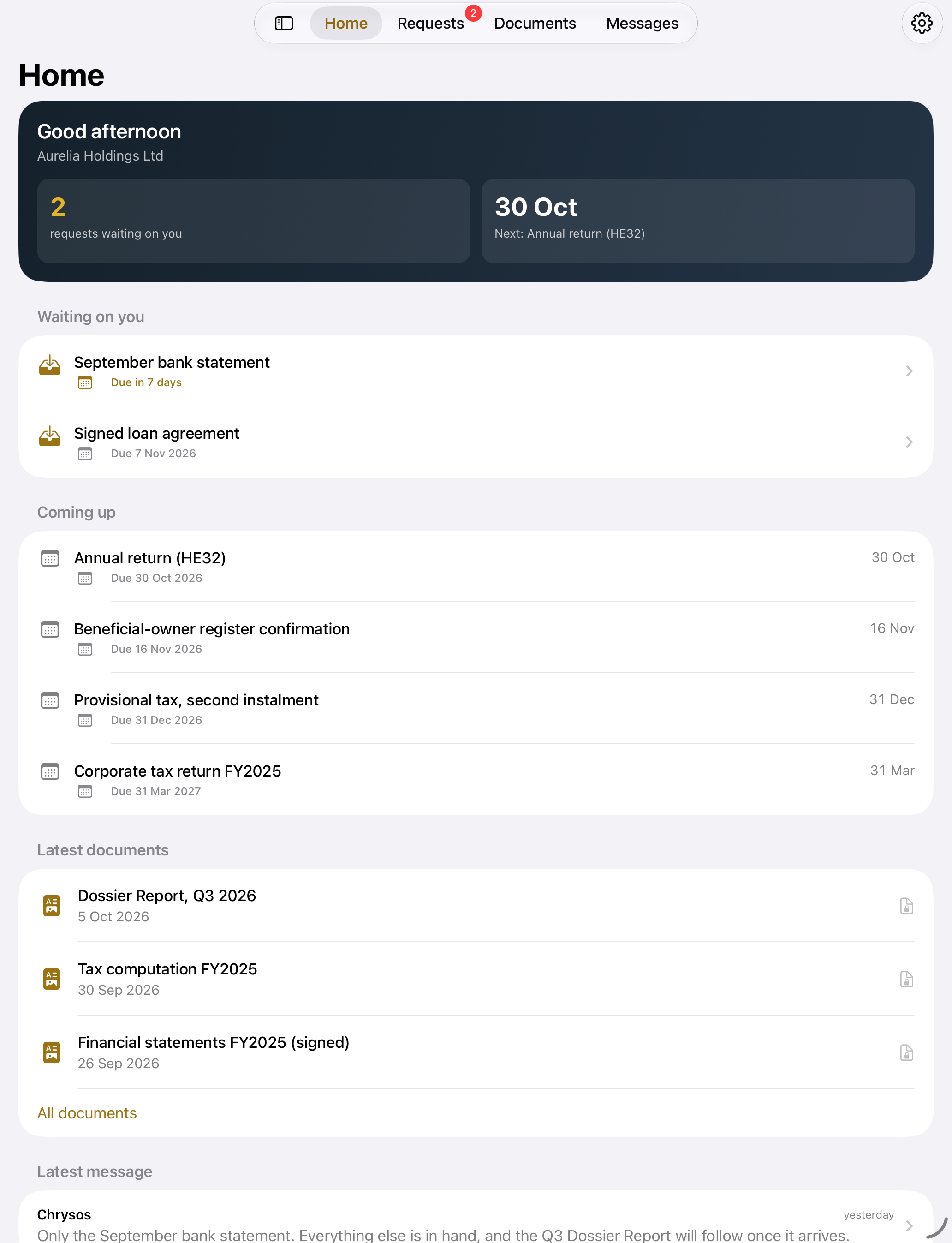
Tabs on iPhone, a sidebar on iPad. Scan documents with the camera, answer Siri, get quiet notifications.
Releasing to clientsThe full picture at your desk, sandboxed on the Mac, and a native visionOS app on Apple Vision Pro.
Releasing to clientsFor auditors and advisers who work on Windows: their engagements in any modern browser, signed in with an Apple ID, and installable as a web app.
in developmentReports, tax computations, signed financial statements, reviews and registers, filed by year. Open any of them to read it in the app.
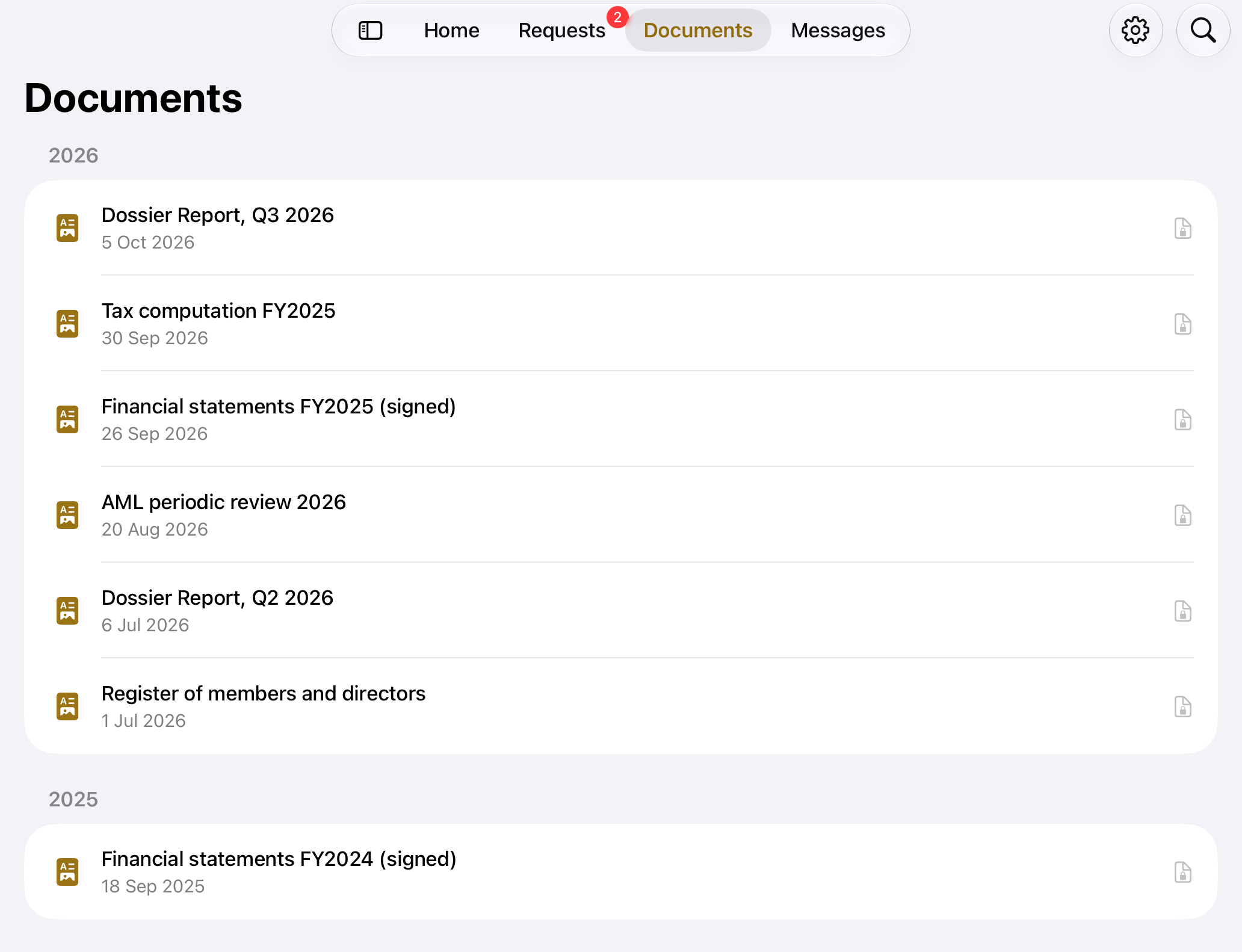
Home, Requests, Documents and Messages in a sidebar, in a window you can keep open next to everything else. Attach what Chrysos asks for from anywhere on your Mac; it is encrypted before it leaves.
A native visionOS app. Place the window wherever you work, with Home, Requests, Documents and Messages along its side, and unlock it with Optic ID.
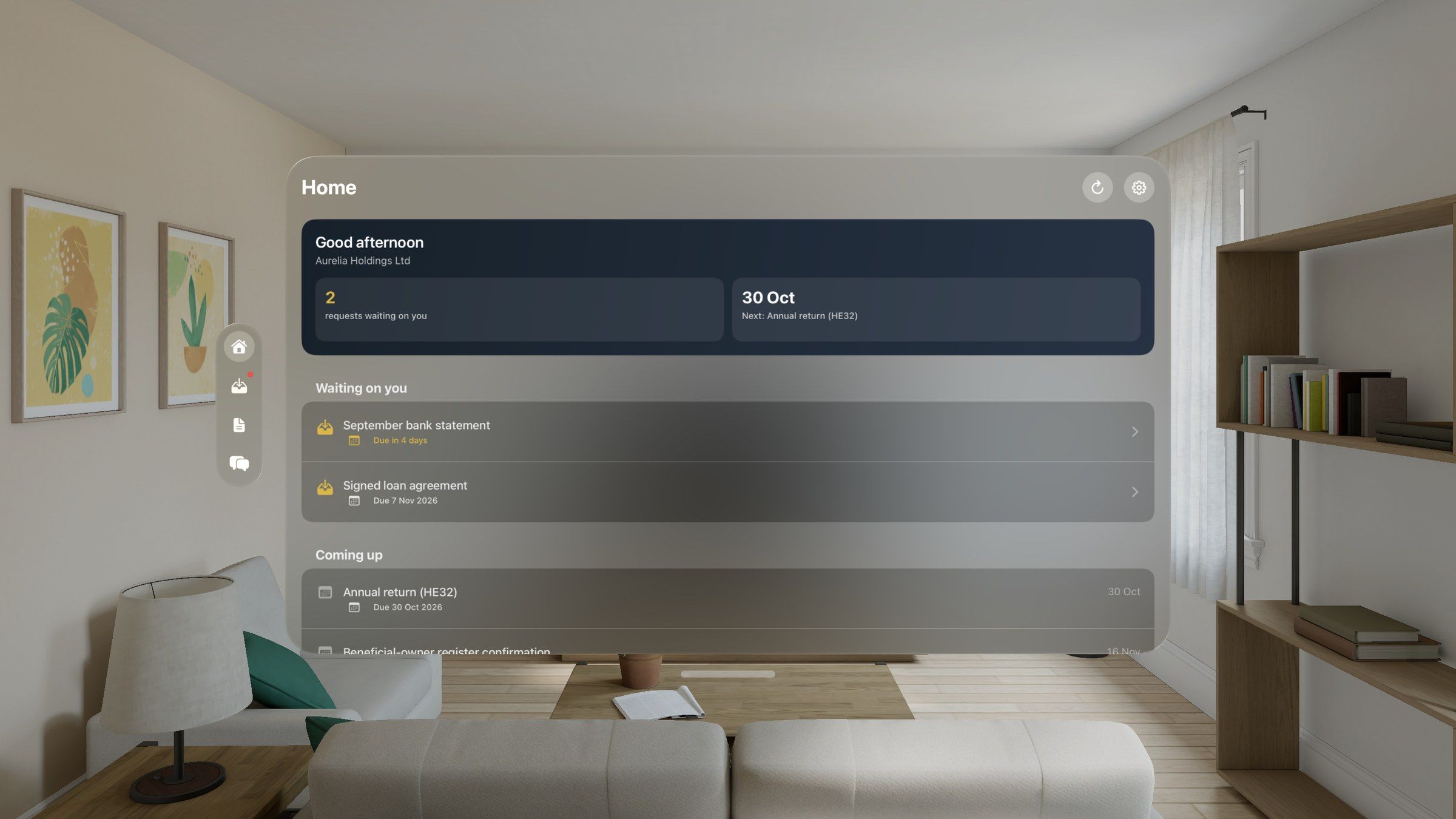
App screens show fictional sample companies.
The professionals who work on your company get their own app on iPhone, iPad and Mac. Each engagement holds its binder, requests, open points, working papers, fee and hand-back, and nothing beyond what was entrusted to them.
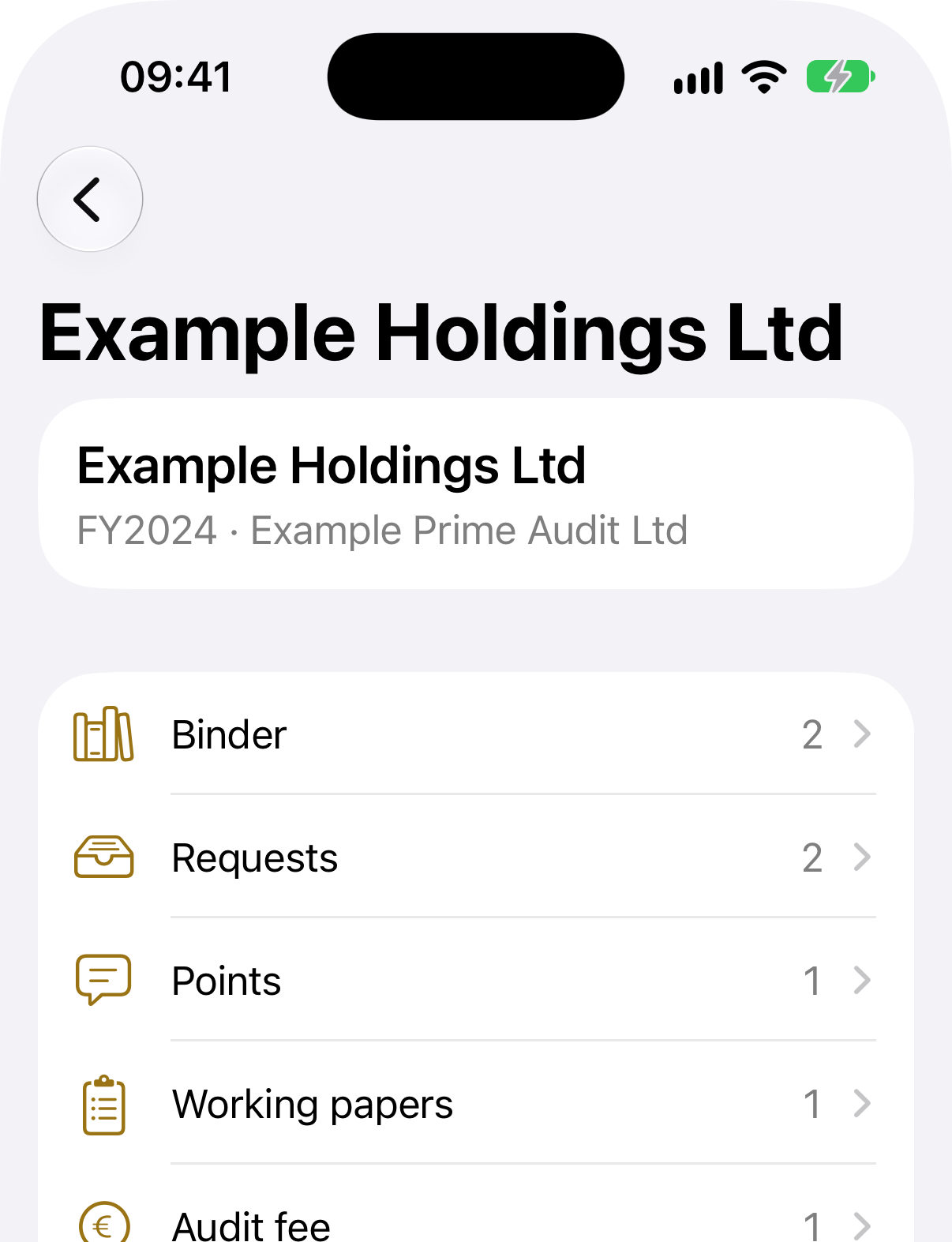
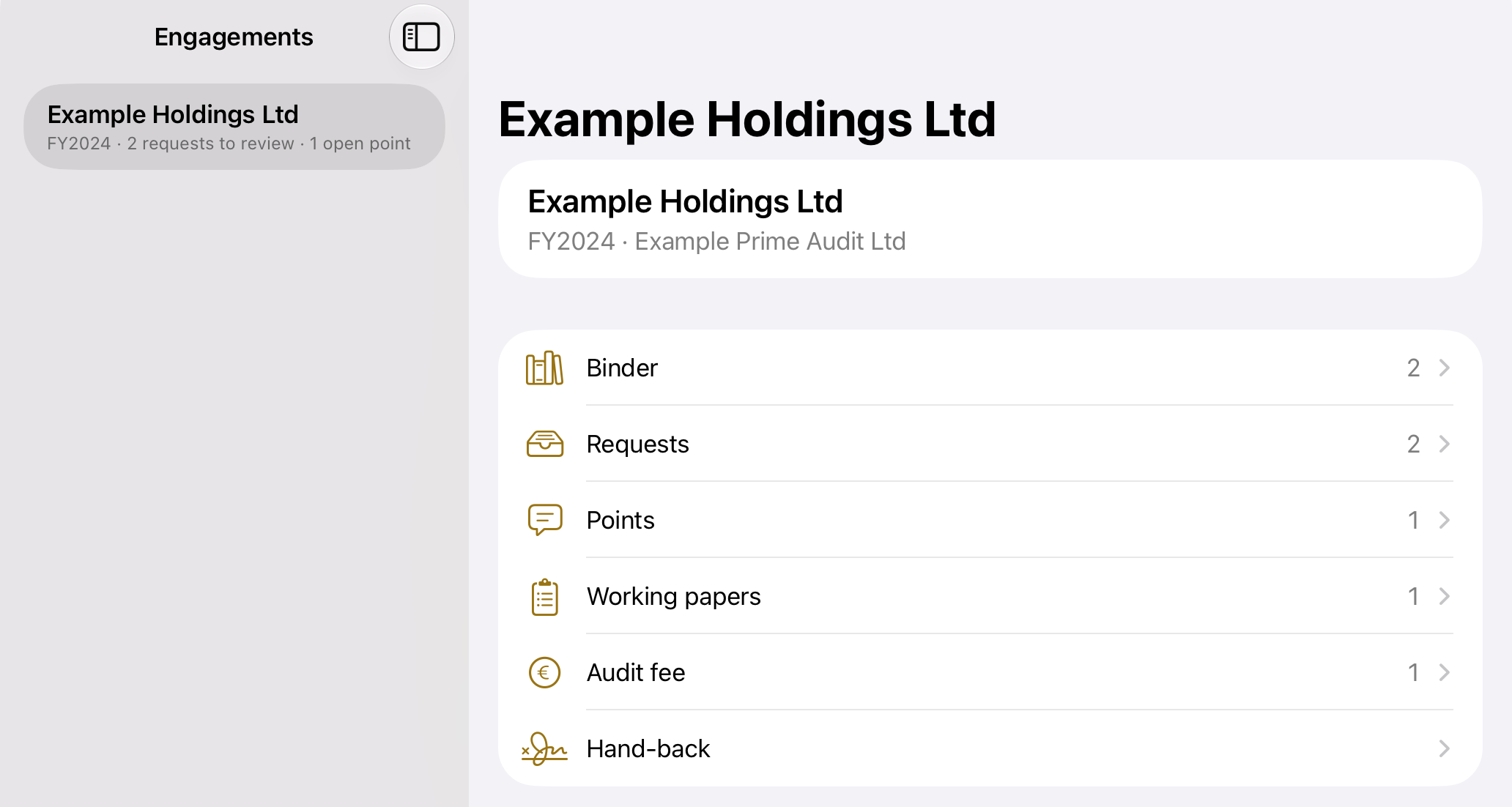
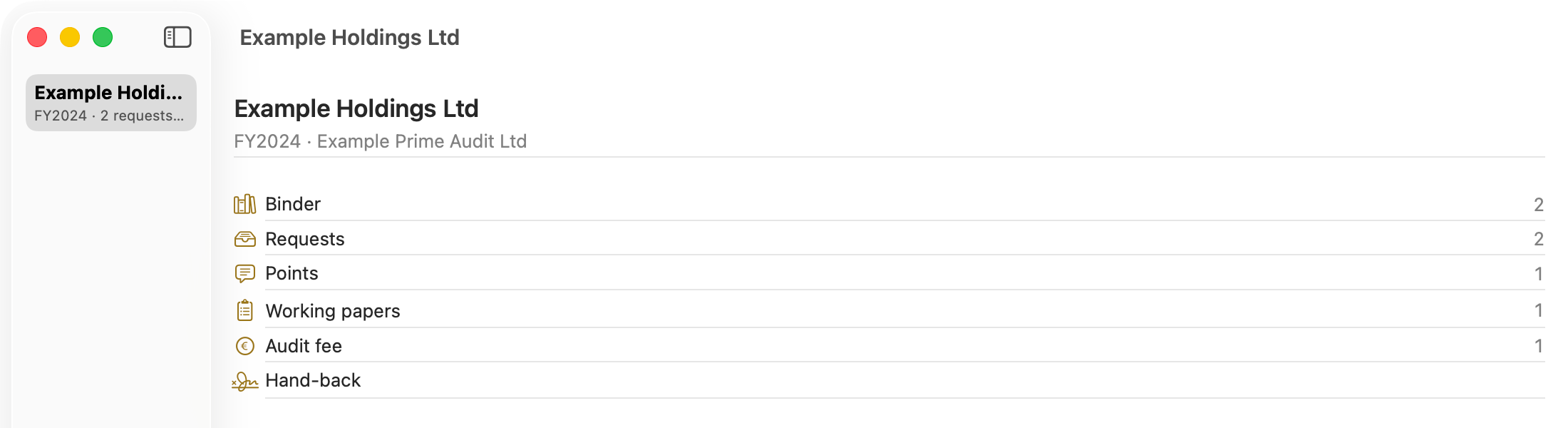
App screens show fictional sample companies.
The app is included with every package, for the number of people the package sets. Each person is invited individually and sees only the companies entrusted to them. Access can be added, narrowed or withdrawn whenever authority changes.
We are releasing the app to clients in stages. If you hold a package, we will invite you; if you are considering one, we will show it to you in the private review.